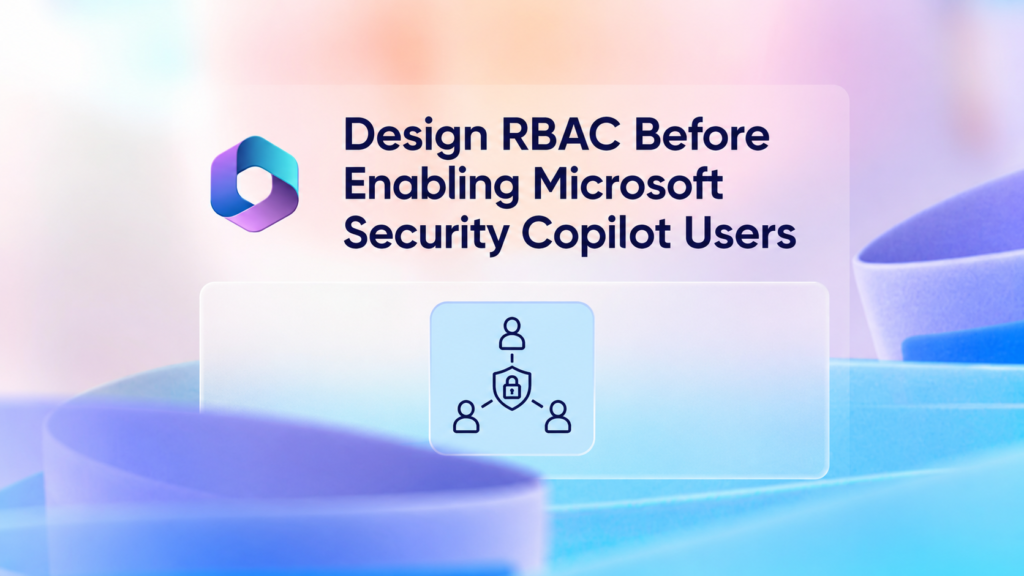
Security Copilot access and underlying workload access should be designed separately. For example, assigning the Security Copilot Contributor role allows a user to work within Security Copilot, but it does not automatically grant access to Defender incidents, Sentinel workspaces, Entra sign-in data, Intune devices, or Purview investigations.
The effective access available through Security Copilot is determined by the combination of Security Copilot roles, connected-product permissions, Azure permissions, plugin permissions, and the identity used by the user, agent, connector, or workflow.
| Permission layer | Purpose |
| Security Copilot RBAC | Controls access to Copilot features and administration |
| Entra and product RBAC | Controls access to organizational security information |
| Azure RBAC | Controls capacity resources, subscriptions, and related Azure services |
Recommended role model
| Persona | Security Copilot role |
| SOC analyst | Contributor |
| Identity analyst | Contributor |
| Endpoint administrator | Contributor |
| Data-security analyst | Contributor |
| Agent operator | Contributor, where required |
| Agent developer | Controlled Contributor access |
Security Copilot Owner access should be limited to designated personnel responsible for platform configuration, role assignments, plugins, agents, audit settings, capacity, and service governance.
Owner access should not be assigned as a standard day-to-day role. Where possible, privileged access should be activated through Microsoft Entra Privileged Identity Management, protected by phishing-resistant authentication, and reviewed regularly. 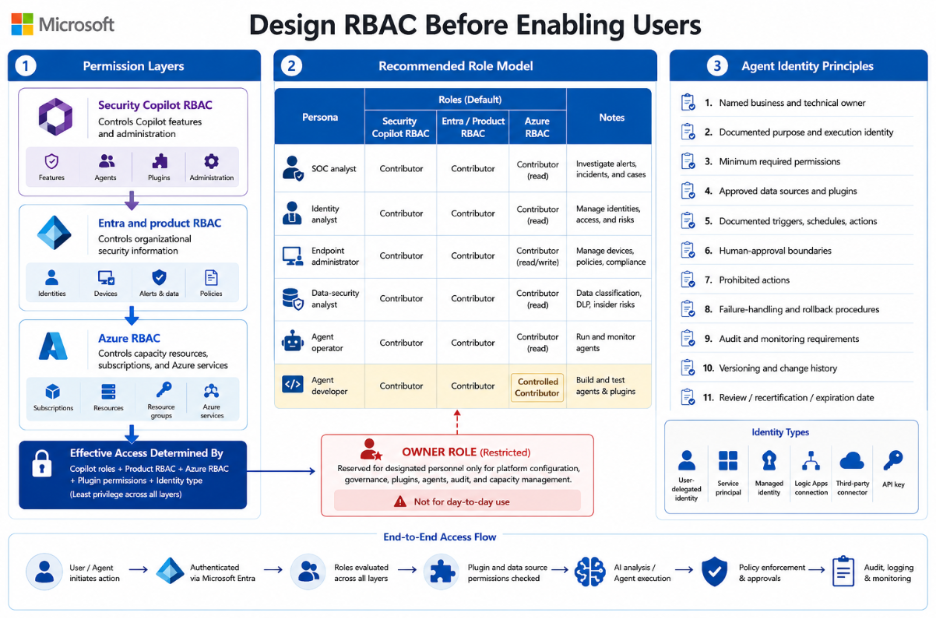
Agent identity principles
Every production agent should have:
- A named business owner.
- A named technical owner.
- A clearly documented purpose and expected outcome.
- A defined execution identity.
- Minimum required permissions.
- Approved data sources and plugins.
- Documented triggers, schedules, and actions.
- Defined human-approval boundaries.
- Clear prohibited actions.
- Tested failure-handling and rollback procedures.
- Audit and monitoring requirements.
- A version number and change history.
- A review, recertification, or expiration date.
Before production approval, the organization should also document whether the agent operates through:
- User-delegated permissions.
- A service principal or application identity.
- A managed identity.
- An Azure Logic Apps connection.
- A third-party connector.
- An API key or stored credential.
Both the Security Copilot permissions and the effective permissions within every connected system should be reviewed.
You’ve finished this article. Continue with Govern Security Copilot Plugins, Data, and Audit to learn the next step.