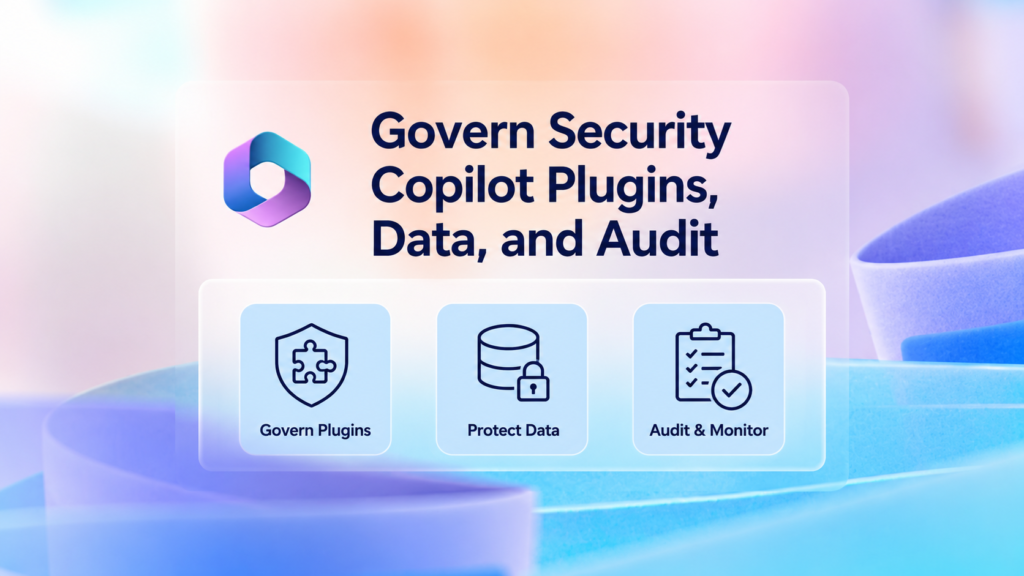
Plugins extend Security Copilot by providing additional data, skills, and actions. However, every plugin also introduces a new trust relationship and may expose sensitive organizational data to another Microsoft service, third-party platform, API, workflow, or credential store. 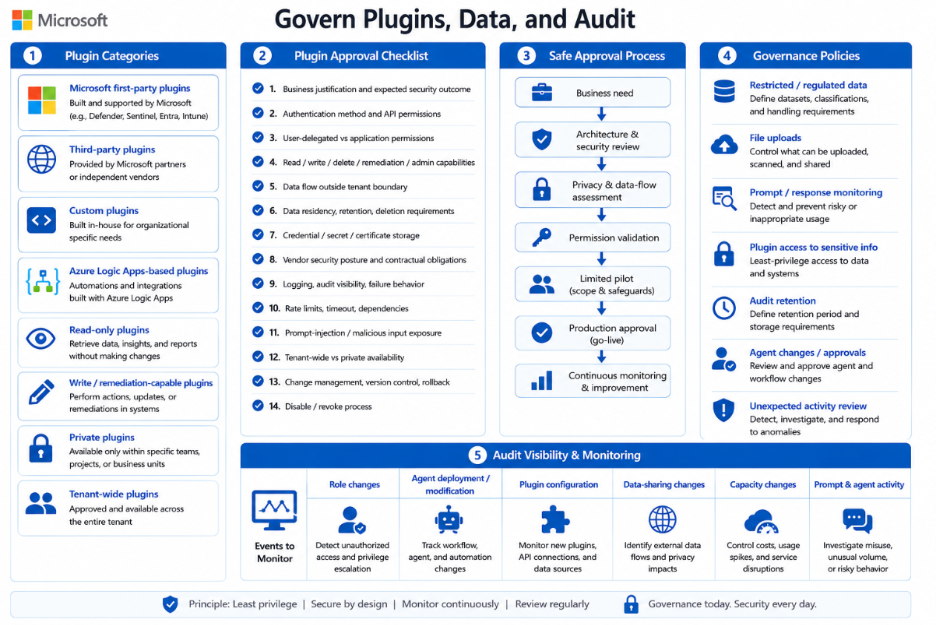
Organizations should distinguish between:
- Microsoft first-party plugins.
- Third-party plugins.
- Custom plugins.
- Azure Logic Apps-based plugins.
- Read-only plugins.
- Plugins that can perform write or remediation actions.
- Private plugins.
- Plugins published for broader tenant use.
Before approving a plugin, connector, workflow, or custom API, review:
- The business justification and expected security outcome.
- Authentication method and API permissions.
- User-delegated versus application permissions.
- Read, write, delete, remediation, and administrative capabilities.
- Data transmitted outside the Microsoft tenant or service boundary.
- Data residency, retention, and deletion requirements.
- Credential, secret, certificate, and connection storage.
- Vendor security posture and contractual obligations.
- Logging, audit visibility, and failure behaviour.
- Rate limits, timeout behaviour, and service dependencies.
- Prompt-injection and malicious-input exposure.
- Tenant-wide versus private availability.
- Change management, version control, and rollback capability.
- The process for disabling or revoking the integration.
A safe approval process is:
Business need
↓
Architecture and security review
↓
Privacy and data-flow assessment
↓
Permission validation
↓
Limited pilot
↓
Production approval
↓
Continuous monitoring
Organizations should also define what users may enter into Security Copilot prompts.
Governance policies should address:
- Restricted and regulated data.
- File uploads.
- Prompt and response monitoring.
- Plugin access to sensitive information.
- Audit retention.
- Agent changes and approvals.
- Review of unexpected activity.
Audit visibility can be supported through Microsoft Purview auditing, DSPM for AI, and related management APIs, depending on licensing and configuration.
At minimum, monitor:
| Event | Why it matters |
| Role changes | Detect excessive or unauthorized access |
| Agent deployment or modification | Track autonomous workflow changes |
| Plugin configuration | Monitor new data connections |
| Data-sharing changes | Identify privacy-impacting configuration |
| Capacity changes | Control unexpected cost or service interruption |
| Prompt and agent activity | Investigate misuse and unusual volume |
You’ve finished this article. Continue with Plan Microsoft Security Copilot Capacity Around Workloads to learn the next step.