Strategy → Architecture → Access → Governance → Capacity → Adoption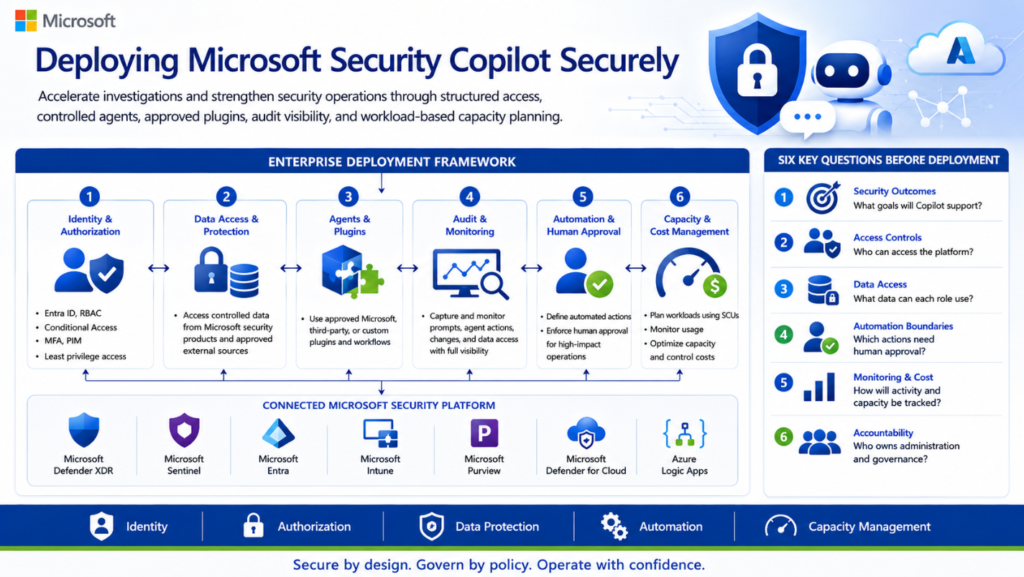
Executive Summary
Microsoft Security Copilot can help security teams accelerate incident investigation, phishing analysis, threat hunting, identity investigation, device assessment, and security operations. However, enabling the platform without a clear access, agent, plugin, audit, data-protection, and capacity model can introduce operational, security, and financial risks.
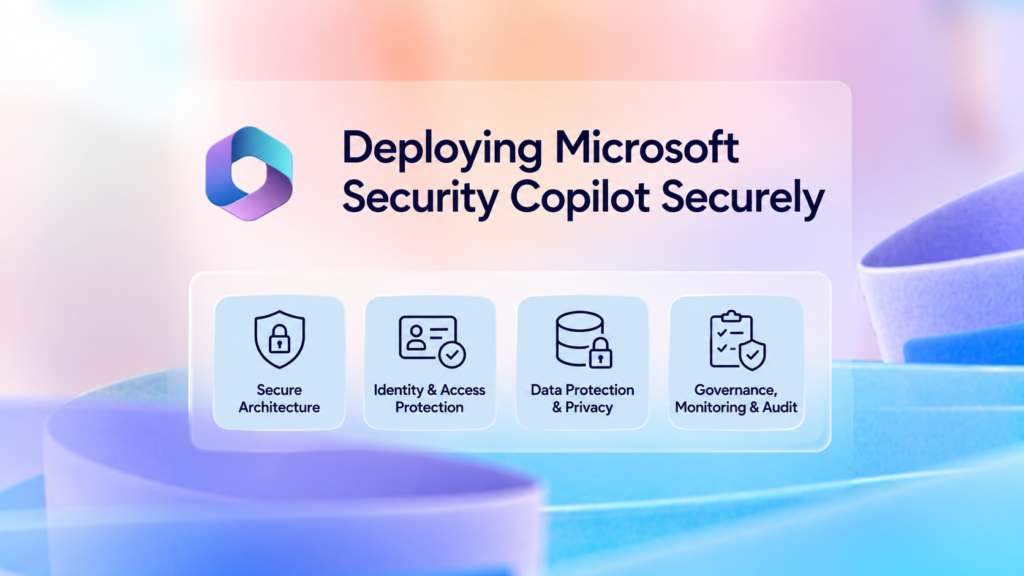
This article presents a practical enterprise approach for deploying Microsoft Security Copilot using layered role-based access control, least-privilege permissions, controlled agents and plugins, audit visibility, human-approval boundaries, and workload-based capacity planning.
Deploying Microsoft Security Copilot is not simply an AI enablement exercise. It should be treated as an enterprise security-platform implementation involving identity, authorization, data access, agents, plugins, audit, automation, capacity, cost, and operational accountability.
Before enabling the platform broadly, organizations should answer six questions:
- Which security and operational outcomes will Security Copilot support?
- Which users, agents, and applications will be permitted to access the platform?
- What organizational data can each user, agent, plugin, or workflow access?
- Which actions can run automatically, and which actions require human approval?
- How will prompts, agent activity, configuration changes, capacity, and cost be monitored?
You’ve finished this article. Continue with Enterprise Security Copilot Reference Architecture to learn the next step.