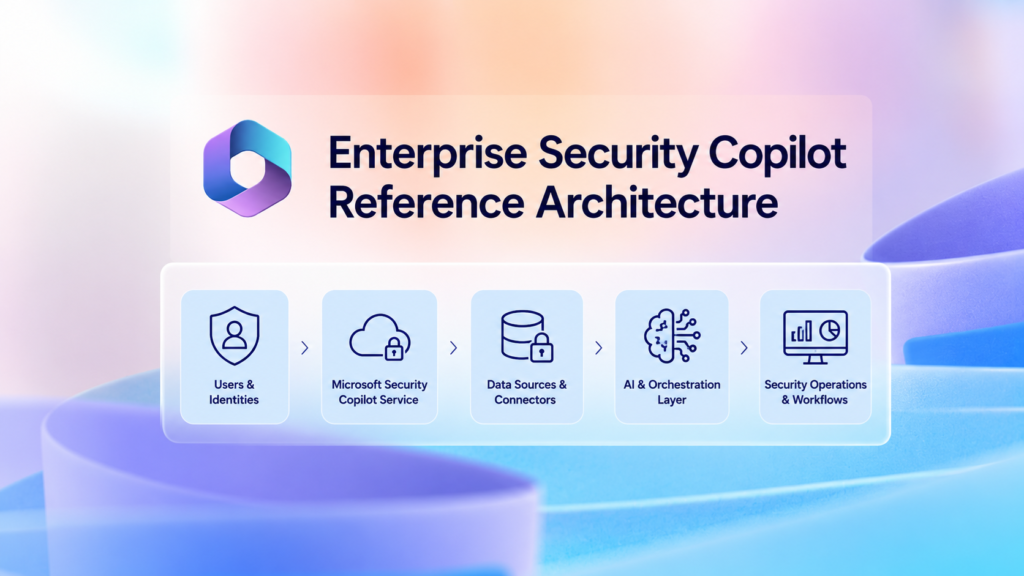
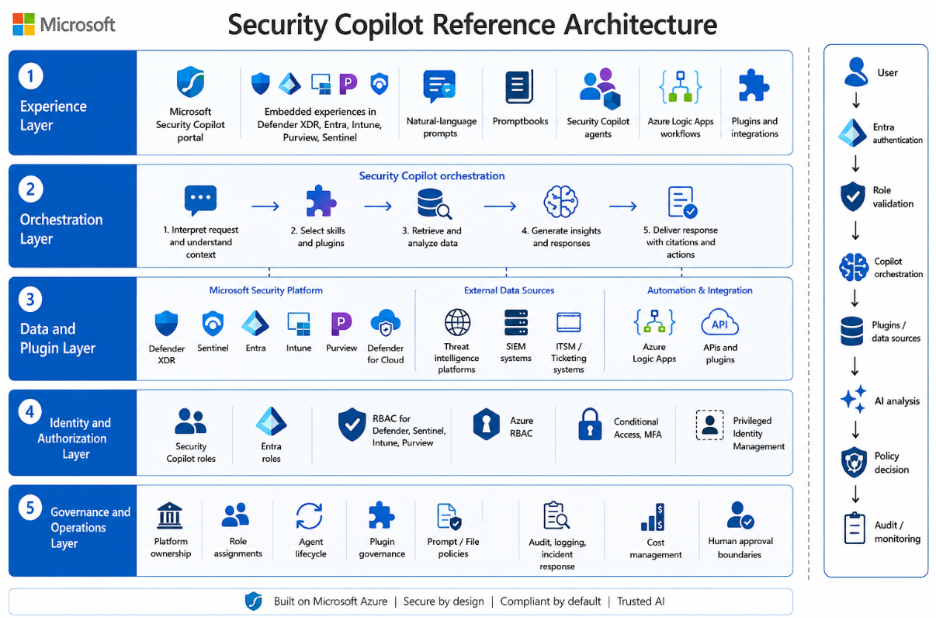
A practical Security Copilot architecture contains five layers.
Experience layer
Users and security workflows can interact with Security Copilot through:
- The standalone Microsoft Security Copilot portal.
- Embedded experiences within supported Microsoft security products, including Microsoft Defender XDR, Microsoft Entra, Microsoft Intune, Microsoft Purview, and Microsoft Sentinel.
- Natural-language prompts.
- Promptbooks.
- Security Copilot agents.
- Supported Azure Logic Apps and automation workflows.
- Approved plugins and custom integrations.
Orchestration layer
Security Copilot interprets the user, promptbook, workflow, or agent request and selects the relevant skills, plugins, and connected data sources. It then analyzes the available information and produces a response, recommendation, investigation summary, enrichment result, or proposed action.
The quality of the result depends on the user’s permissions, available data, plugin configuration, prompt design, and the accuracy and freshness of the connected data sources.
Data and plugin layer
Depending on licensing, configuration, supported integrations, and user permissions, Security Copilot can access or interact with:
- Microsoft Defender XDR.
- Microsoft Sentinel.
- Microsoft Entra.
- Microsoft Intune.
- Microsoft Purview.
- Microsoft Defender for Cloud.
- Threat-intelligence platforms.
- Security information and event management platforms.
- IT service-management and ticketing systems.
- Azure Logic Apps workflows.
- Approved Microsoft, third-party, and custom plugins.
- Approved APIs and external data sources.
Every plugin, connector, workflow, or custom API expands the organization’s data-access and trust boundary. Each integration should therefore be reviewed for permissions, data flow, authentication, logging, error handling, and write capabilities before production use.
Identity and authorization layer
Access to Security Copilot and connected organizational data depends on multiple authorization layers:
- Security Copilot roles, including Owner and Contributor access.
- Microsoft Entra roles and permissions.
- Product-specific RBAC within Defender, Sentinel, Intune, Purview, and other connected services.
- Azure RBAC for capacity resources, subscriptions, resource groups, and Logic Apps.
- User-delegated permissions.
- Agent, application, service-principal, managed-identity, and connector permissions.
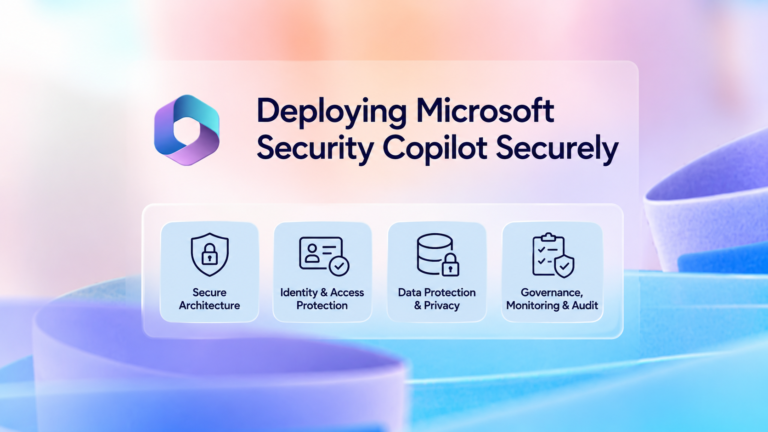
- Conditional Access and multifactor authentication.
- Privileged Identity Management for elevated administrative access.
Security Copilot does not bypass the authorization controls of connected Microsoft or third-party services. A user or agent can only access data and perform actions permitted by the underlying service and configured integration.
Governance and operations layer
This layer covers:
- Platform ownership and service accountability.
- Security Copilot role assignments.
- Agent lifecycle management.
- Plugin and connector governance.
- Prompt and file-upload policies.
- Data-sharing and privacy settings.
- Audit, logging, and investigation visibility.
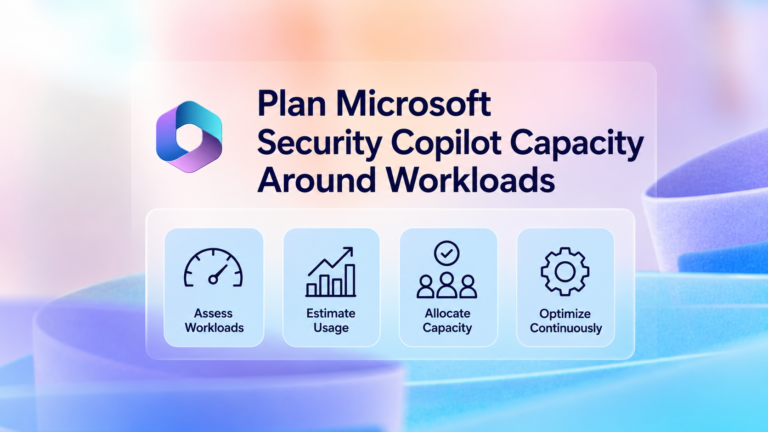
- Capacity, overage, budget, and cost management.
- Change and release management.
- Human-approval requirements.
- Automated-action boundaries.
- Incident response and service continuity.
- Manual fallback and rollback procedures.
- Regular access, agent, and plugin recertification.
A simplified data flow is:
User, promptbook, event, workflow, or agent trigger
↓
Microsoft Entra authentication and Conditional Access
↓
Security Copilot role and underlying product-permission validation
↓
Security Copilot orchestration
↓
Approved plugins, connectors, workflows, and data sources
↓
AI-assisted analysis, enrichment, recommendation, or proposed action
↓
Policy-based decision: human approval or approved automated action
↓
Audit, monitoring, capacity tracking, incident review, and continuous improvement
You’ve finished this article. Continue with Design RBAC Before Enabling Microsoft Security Copilot Users to learn the next step.